


Enabling PagerDuty alerts
-
Go to the
Environmentspage on the sidebar. -
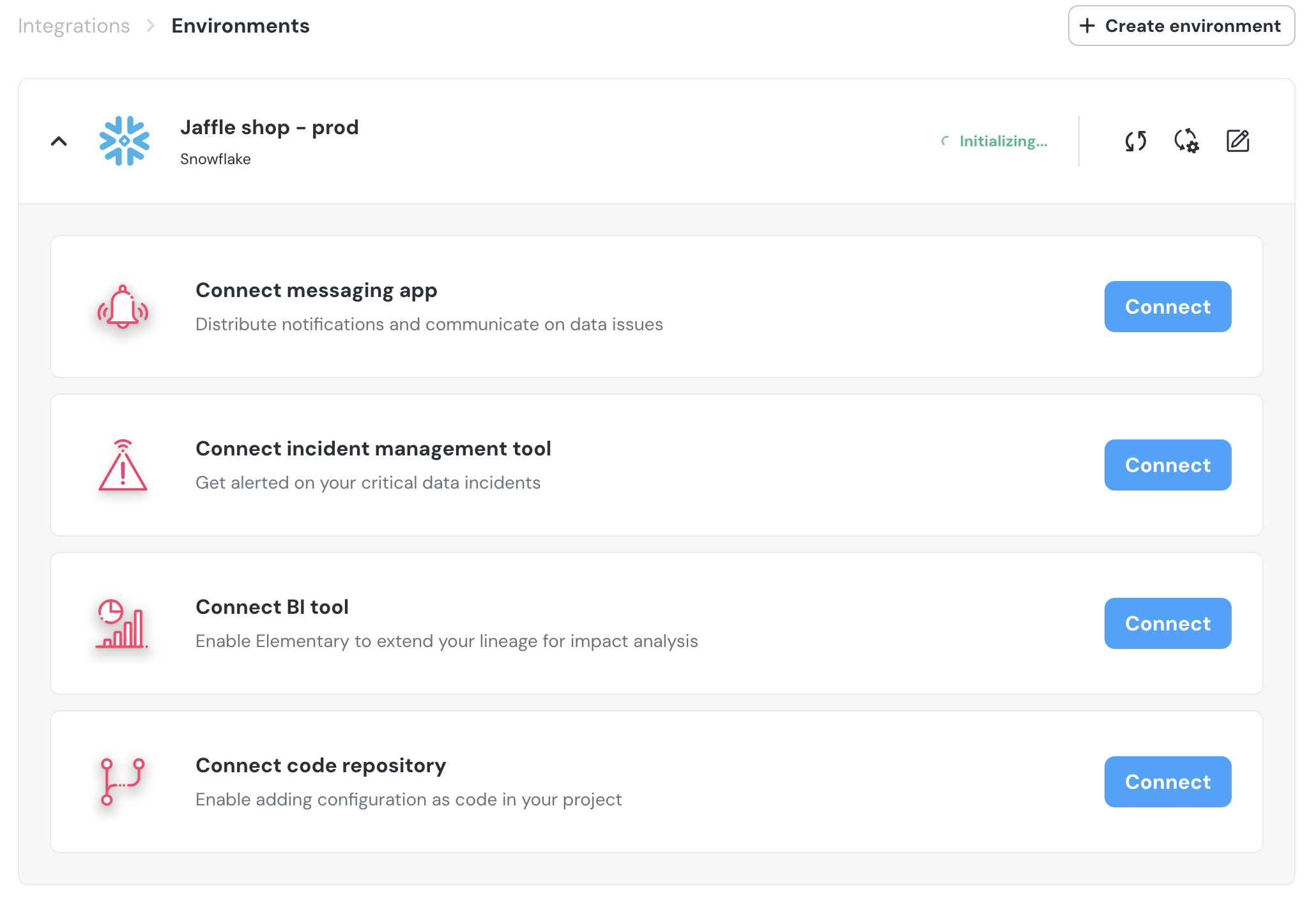
Select an environment and click connect on the
Connect incident management toolcard (second card), and selectPagerDuty.
- Authorize the Elementary for your account. This step may require admin approval.

PagerDutywill now be available as a destination on thealert rulespage. You can add rules to create PagerDuty incidents out of alerts who match your rule.